This project explores the haunting consequences of AI integration, questioning whether technological evolution comes at the price of our own existence.
Concept
Set in a broken garage, this VFX project blends reality with 3D elements to tell a thought-provoking story about AI and human consciousness.
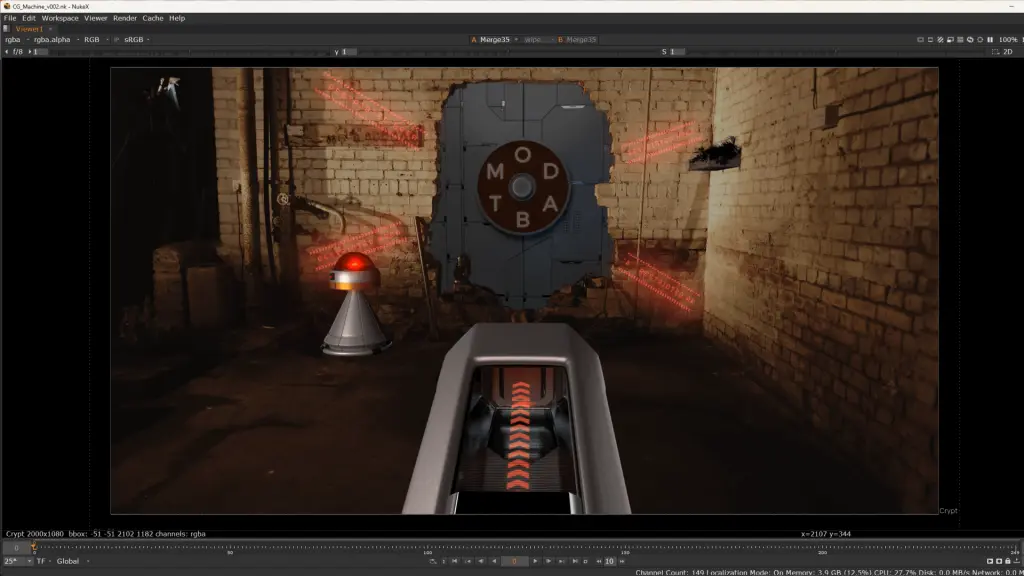
The scene begins with three gunshots echoing in the dimly lit space. With each shot (“B,” “o,” and “t”), a mechanical door between the front and back spaces slowly unlocks. As it opens, a small robot is revealed, gently swinging in a room filled with monitors and complex machinery. He turns to face the camera—his metallic eyes filled with sorrow—before a tear rolls down his cheek.
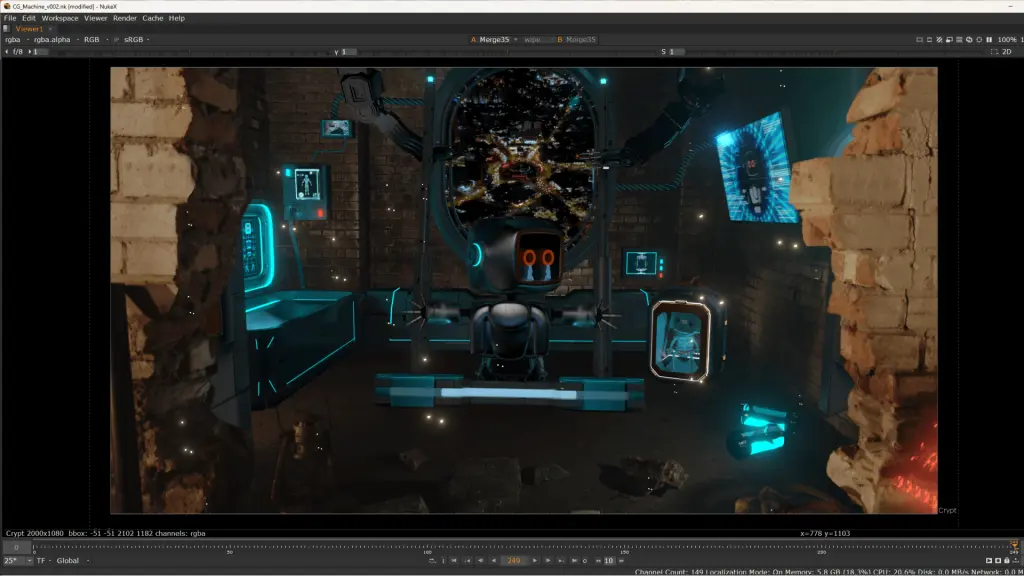
Behind him, a cybernetic box houses a human skeleton, the remains of a man who transferred his soul into the machine. The lighting draws focus to both the robot’s face and the skeleton, emphasizing the cost of this transformation. In his pursuit of an enhanced, AI-driven existence, the man abandoned his human body, only to realize too late that he had lost something irreplaceable—his freedom, his soul, and his humanity.
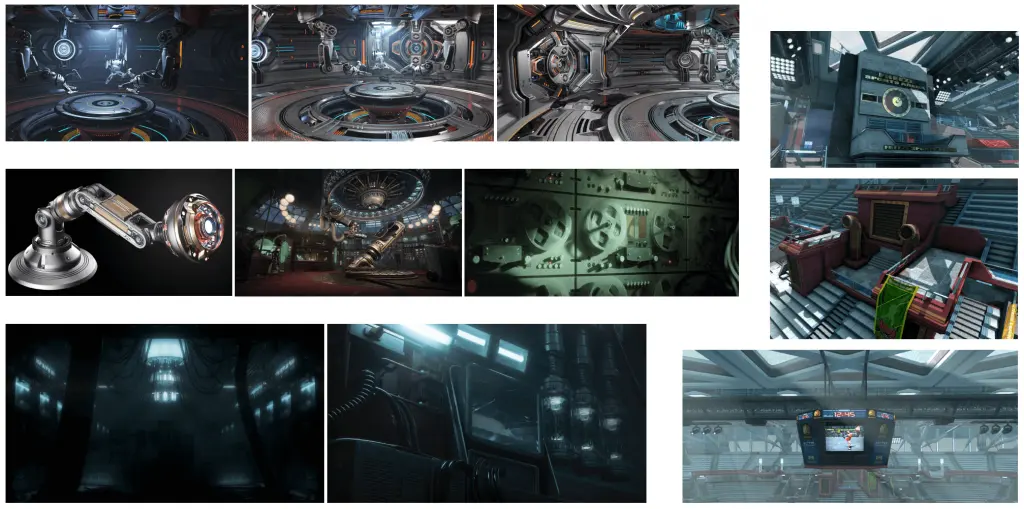
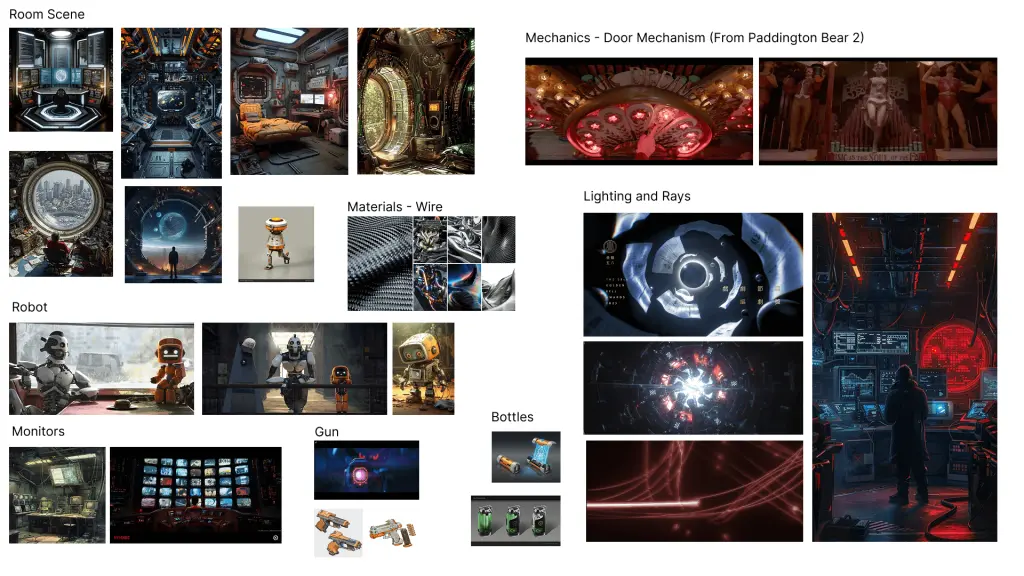
Moodboard
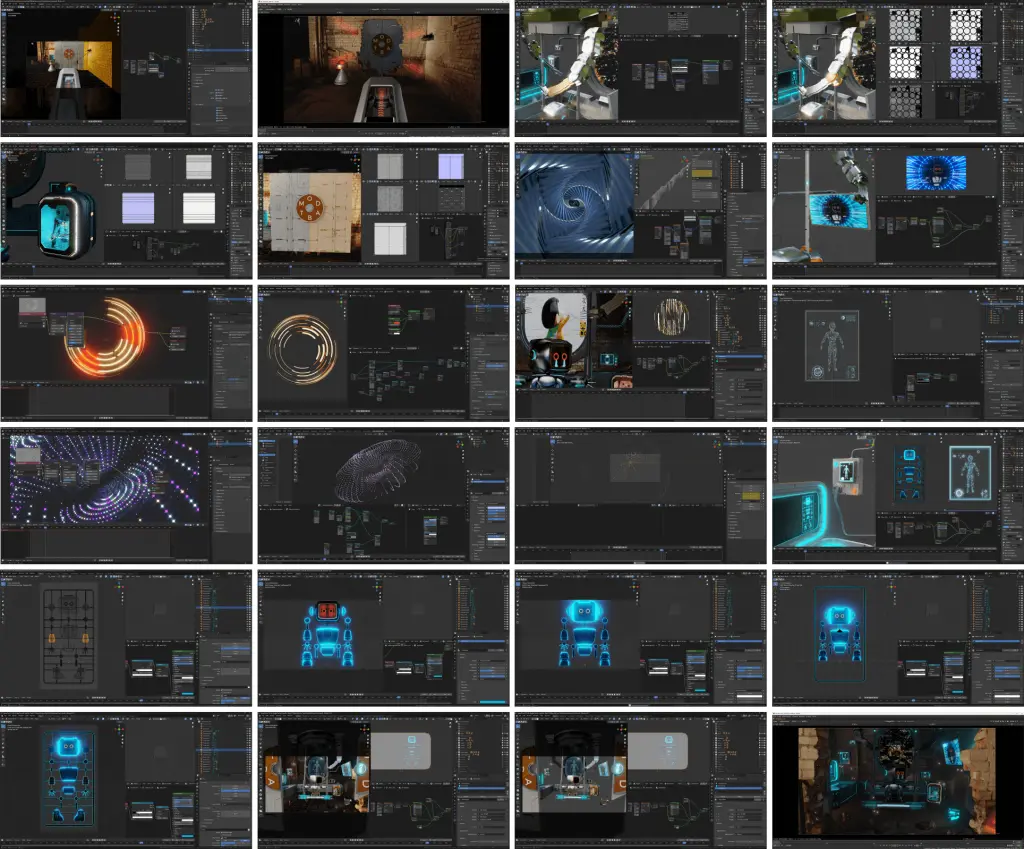
Modelling
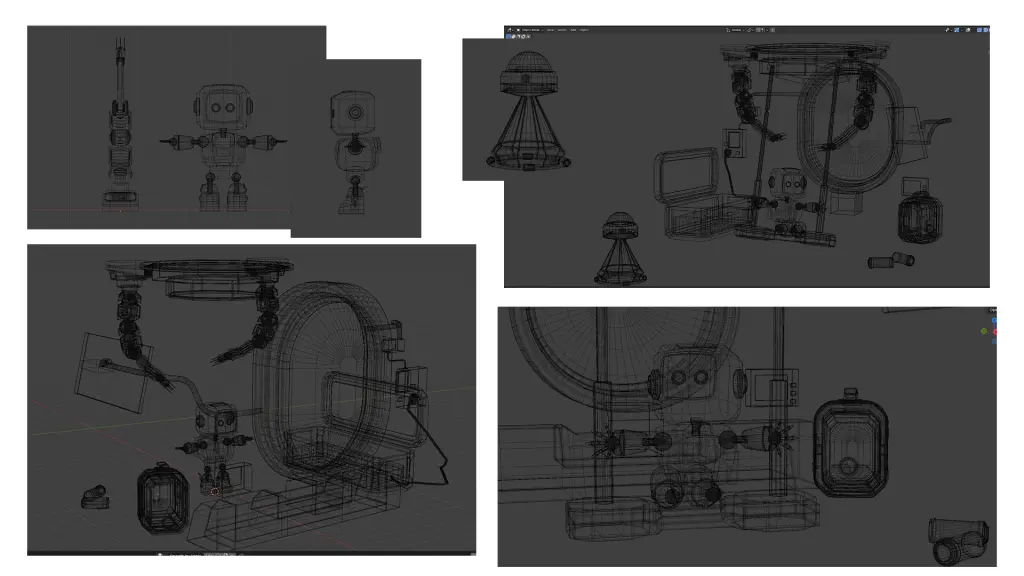
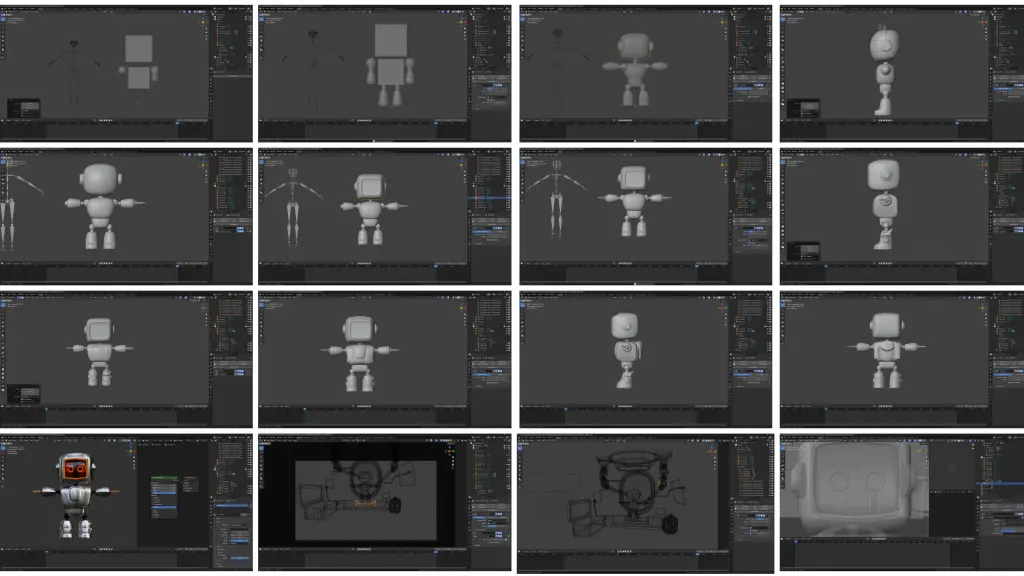
3D modelling in Blender
Including the robot, box, skeleton and all other objects in the scene.
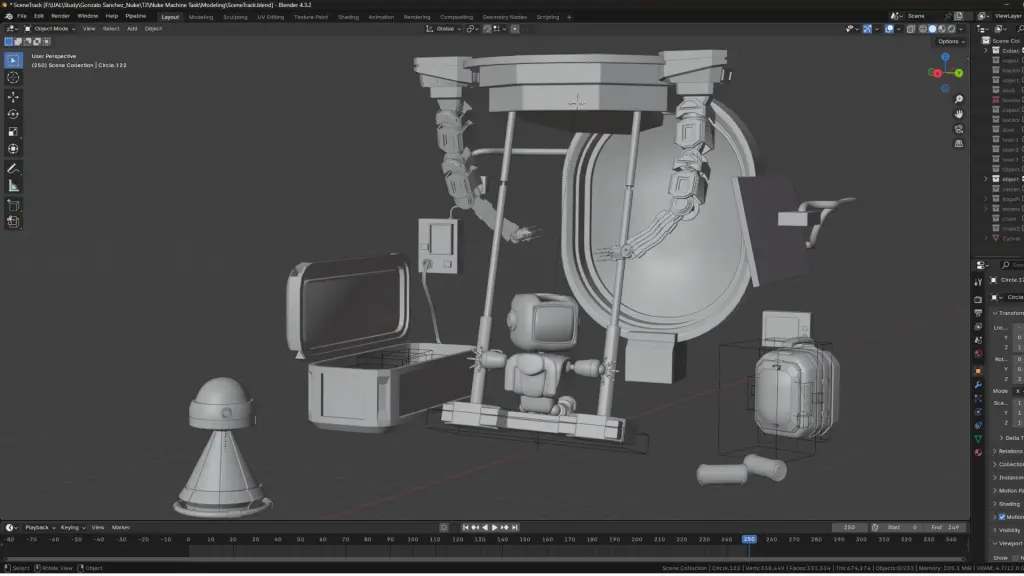
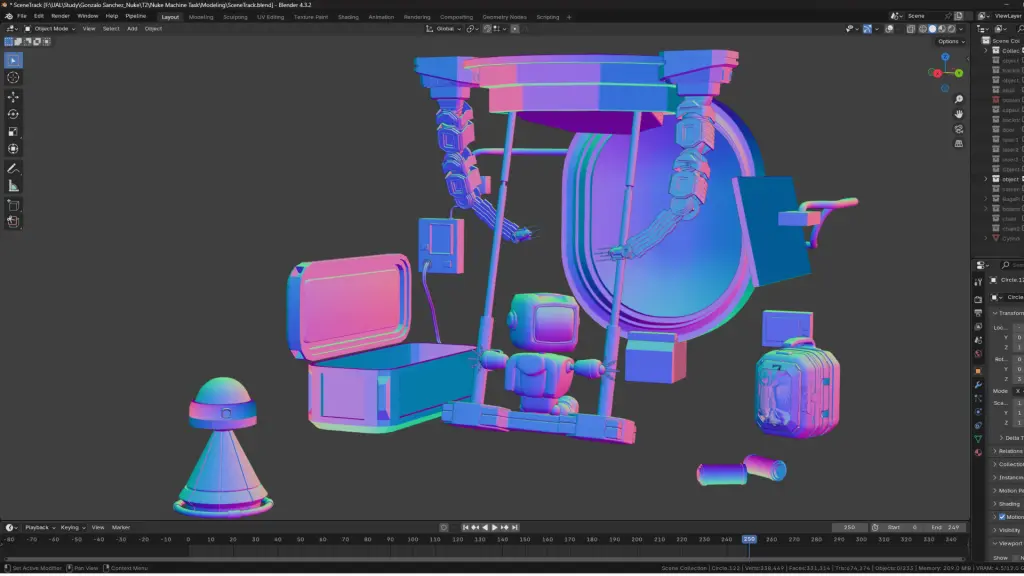
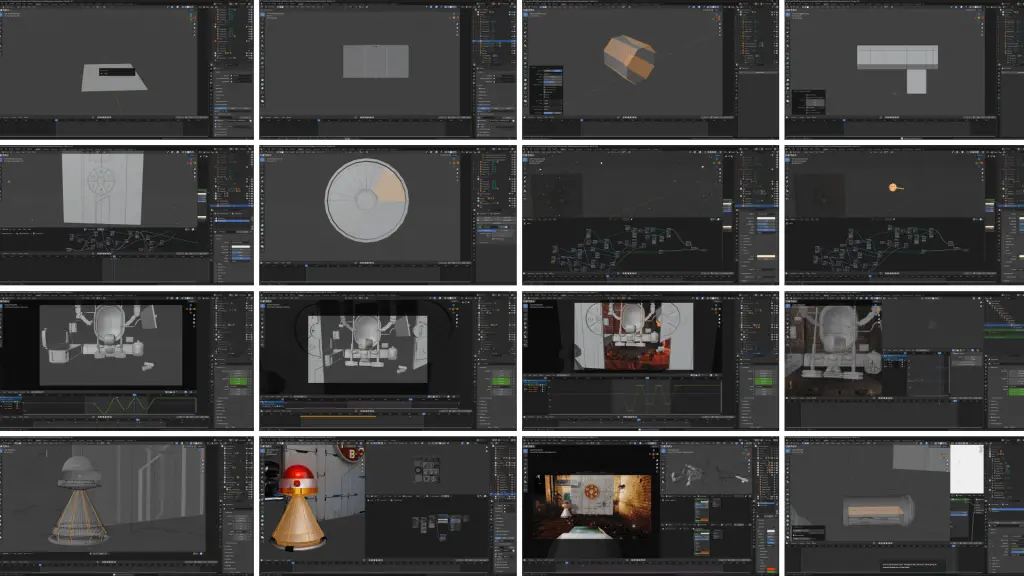
Motion and Visual in the Scene - Animation created with Blender
Tracking in Nuke
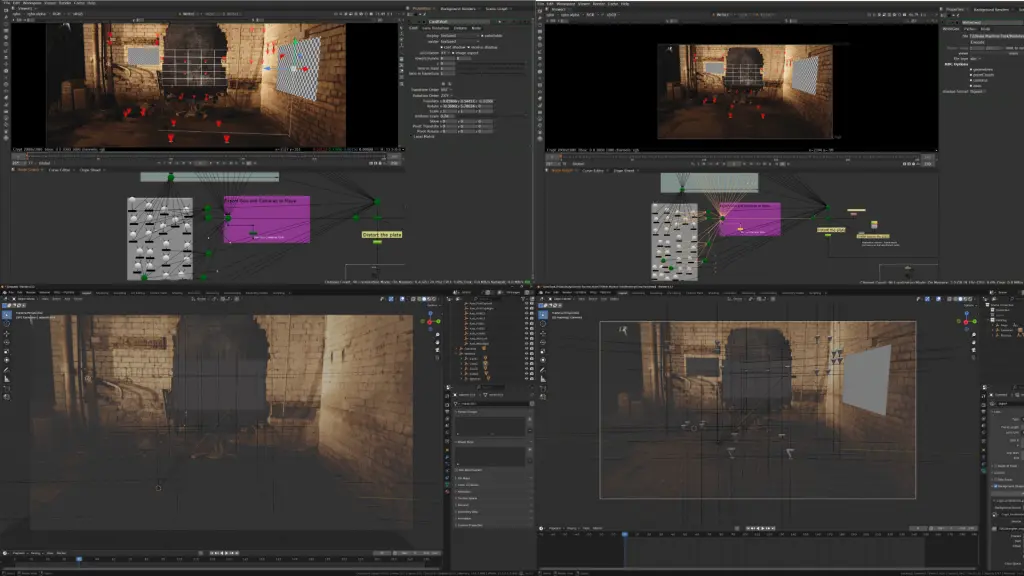
Modelling in Blender
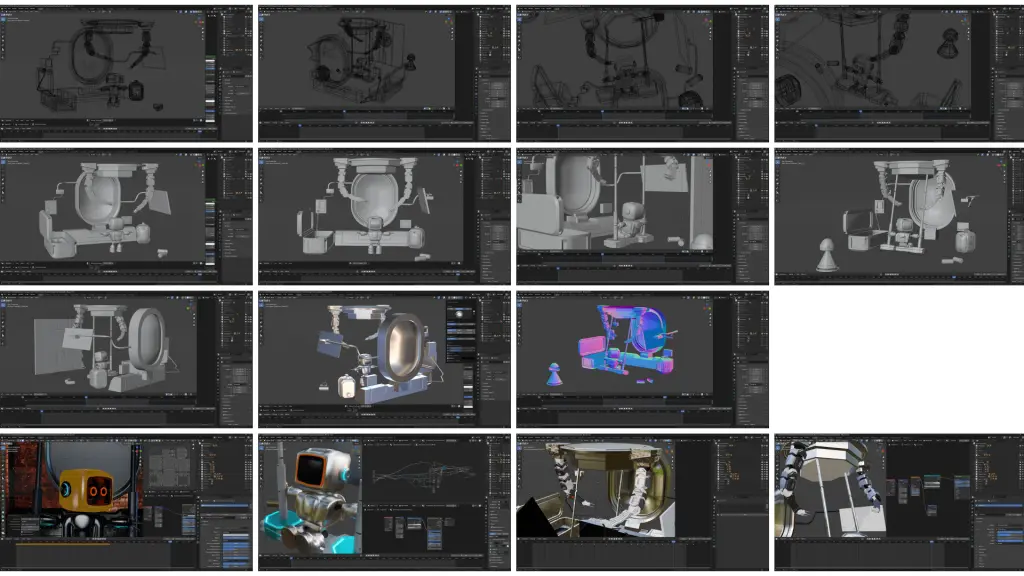
3D models in the back - Modelled in Blender
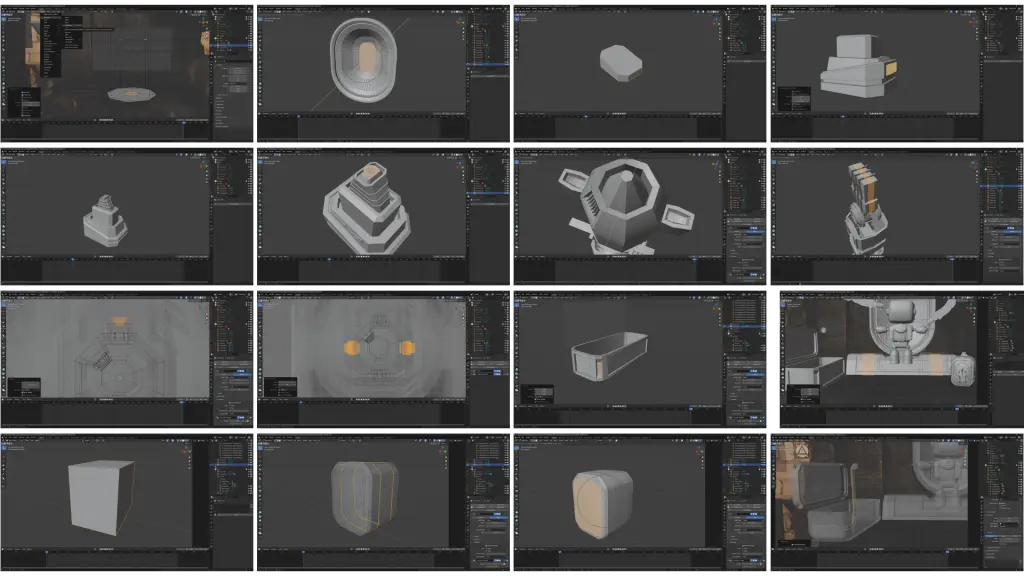
Robot - Modelled in an actual human size
Combined the robot with the scene
Animated objects, including the gun, particles with Geometry Nodes, door animation, robot in the front scene, and the robot’s tear.
Texturing
Textures at a glance
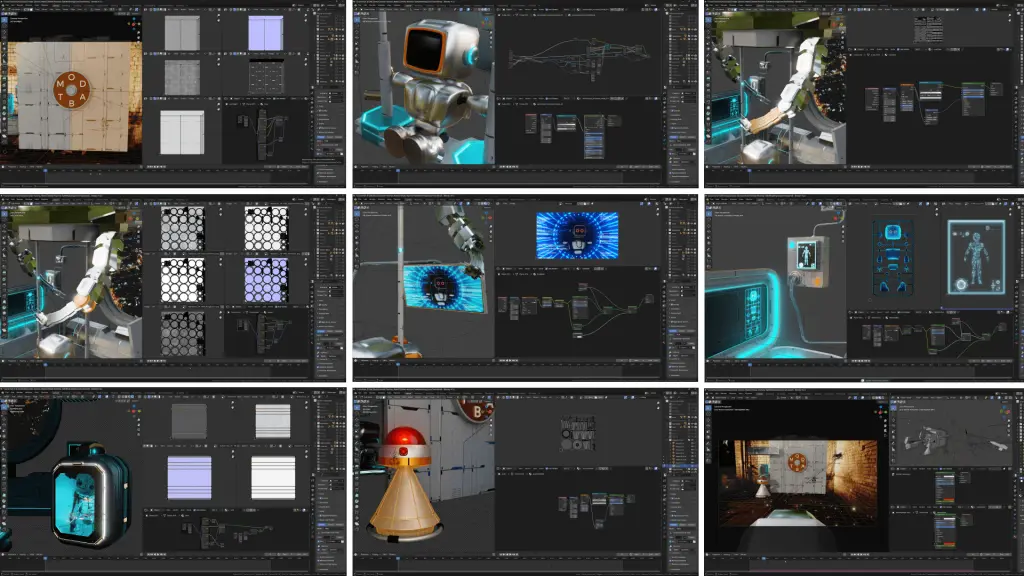
Animations on different monitors - all modelled in Blender
First Frame
Last Frame
Lighting and Rendering with multiple passes(AOV)
Layer Contact Sheet
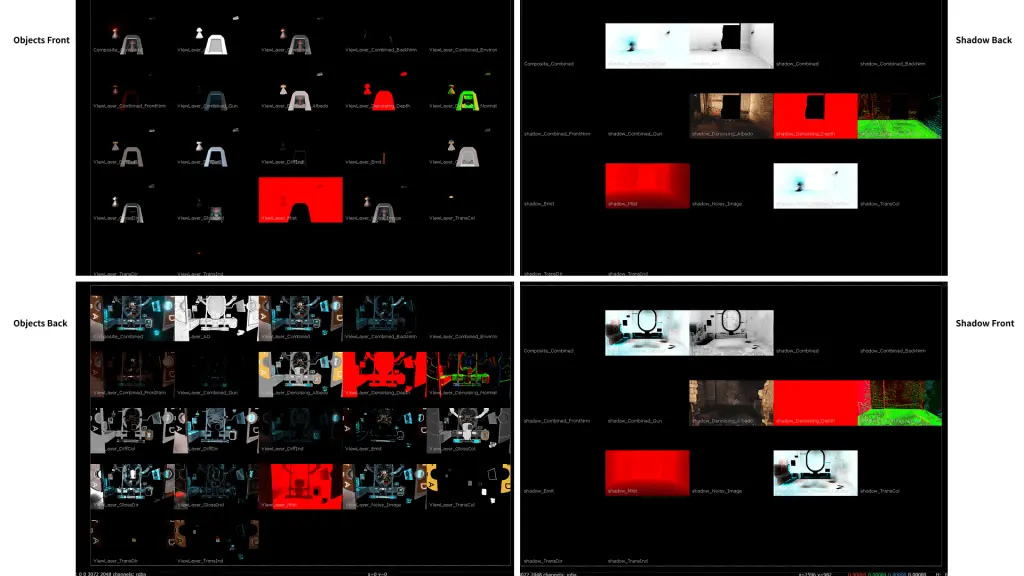
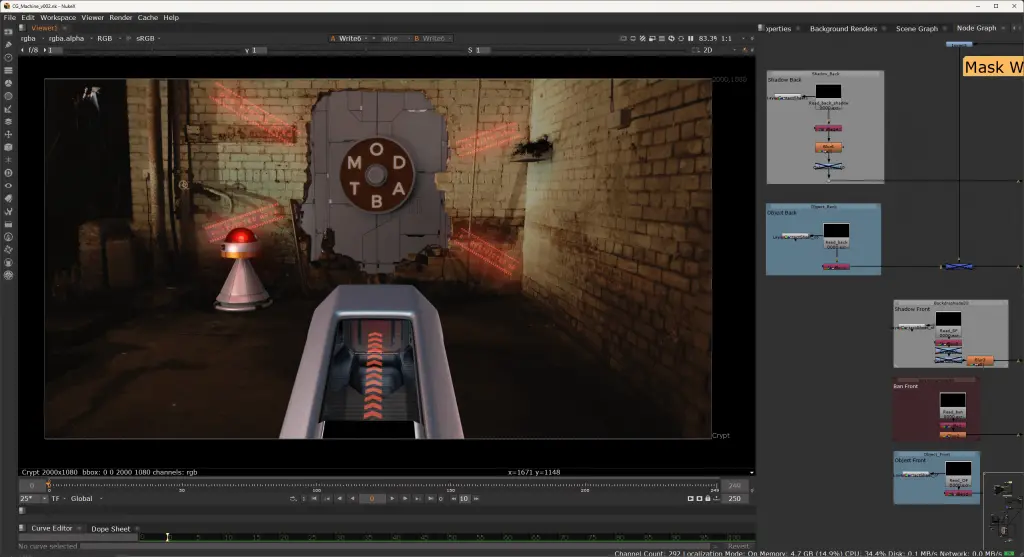
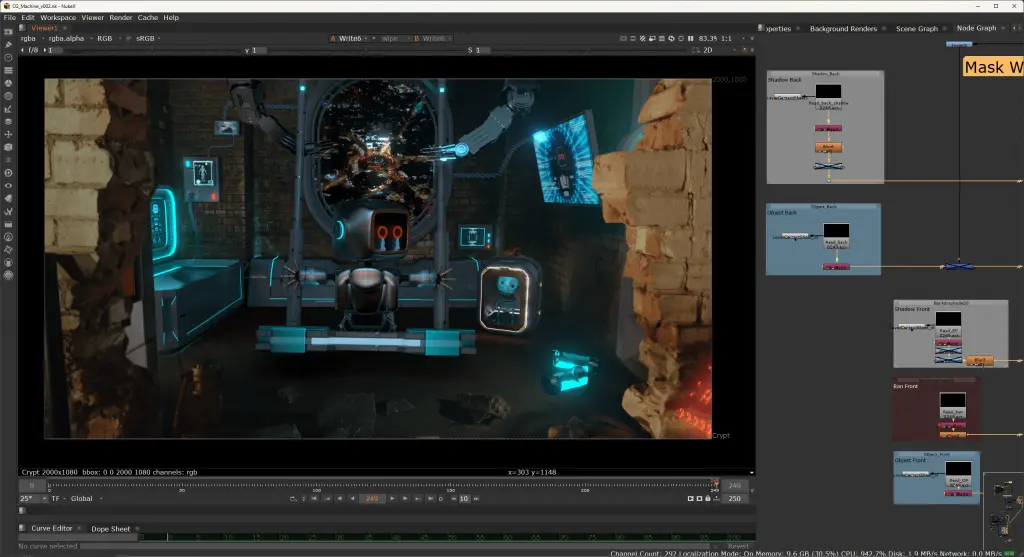
Started to test compositing visuals in Nuke
First Frame
Last Frame
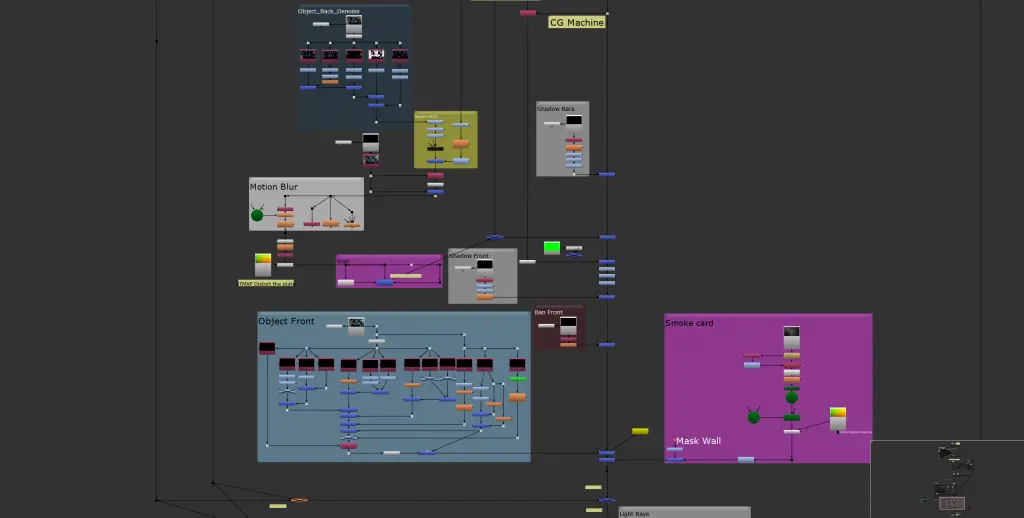
Compositing and Sound Effects
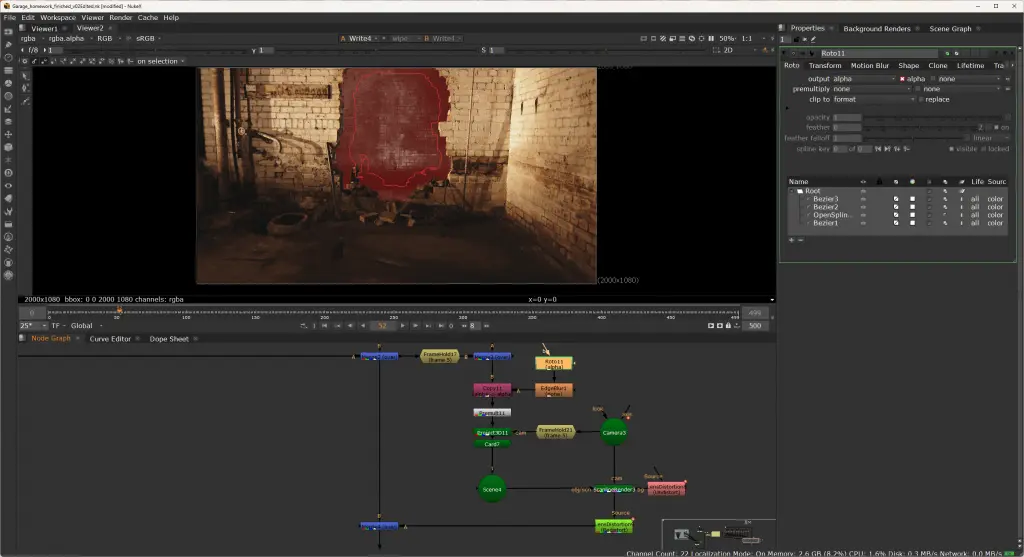
Nuke Script
Garage Cleanup Task in Nuke
Original Garage - with Marks on the floor and walls
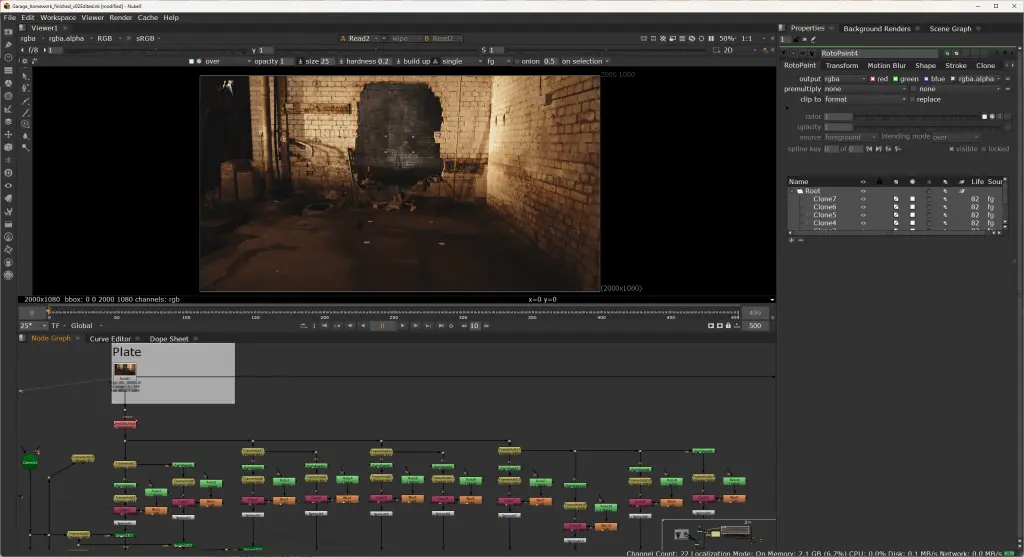
Set up Lens Distortion -Undistort (Important!)
Used Framehold to set the frame in the sequence.
Used Rotapaint to replace marks with nearby positions.
Added blur and copied alpha channel.
Piped in the Project3D and corresponding card (created with locations in the 3D scene)
Piped in all cards (marks being replaced) into the 3D scene and then set up Lens Distortion - Redistort.
Cleanup Resault - without Marks on the floor and walls
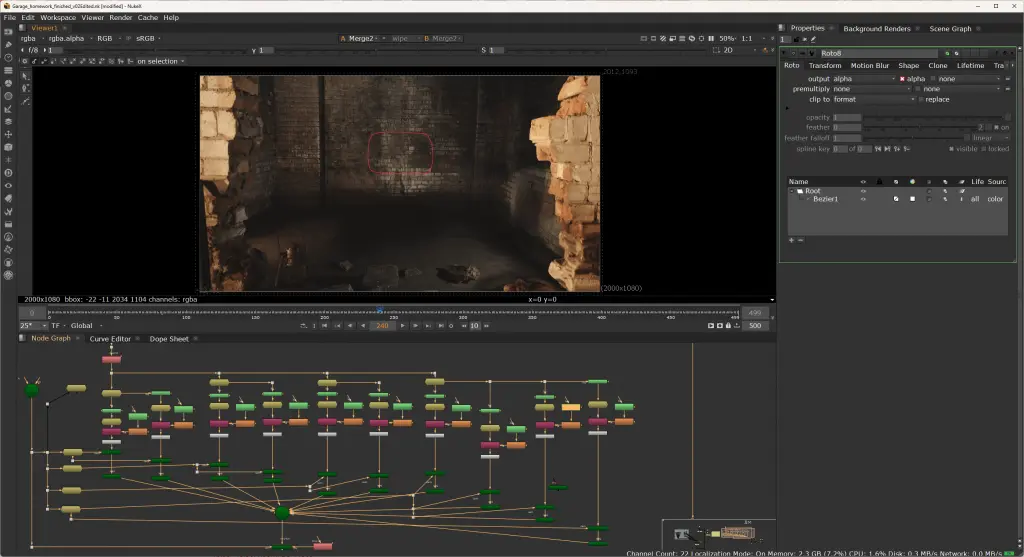
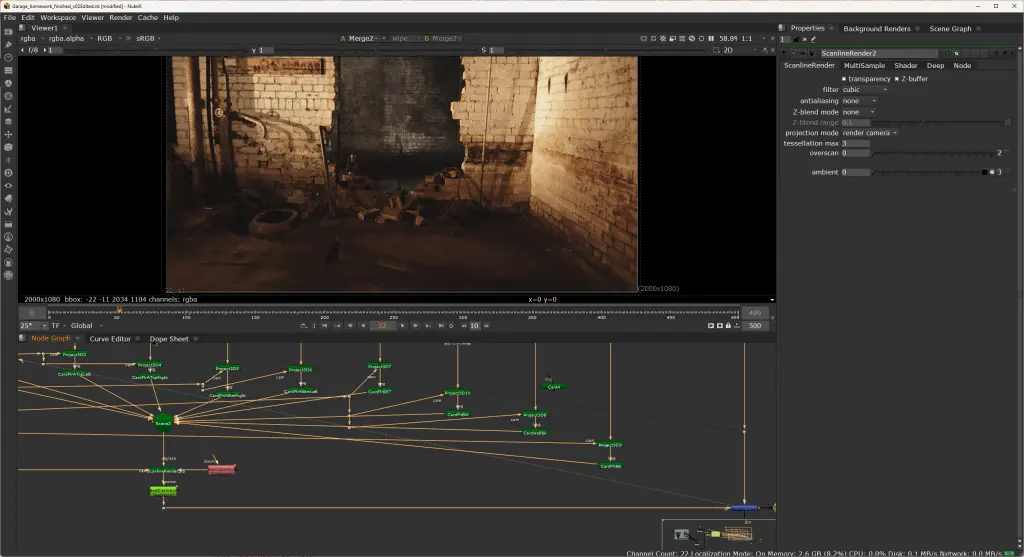
Roto the cave
In this assignment, I used only one bezier to roto the whole shape. Although I had a rather ideal result, there should be a better solution for this roto task.
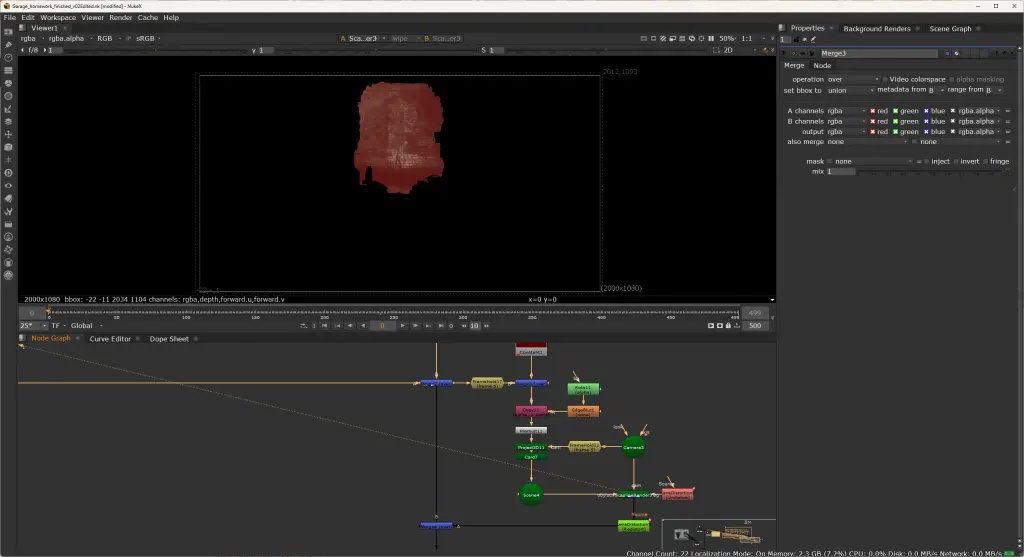
It will be better to roto the shape with several beziers, especially to separate the top and bottom parts.
Ideally, I should make a framehold at frame 159 and roto the bottom of the shape, then make another roto for the top with the framehold at frame 5.
If someone does not need to roto the top, the most ideal and efficient way is to make the bottom with frame 159 only.